Review work on your account
The available activity and access history records administrative actions relevant to the account. Choose the appropriate site or account context and use the history you are permitted to view when investigating a change.
History visibility depends on your role and the records available. If an action is missing, do not assume the history covers every interaction or every earlier period. Compare the current state with the people and work involved.
Read a product release
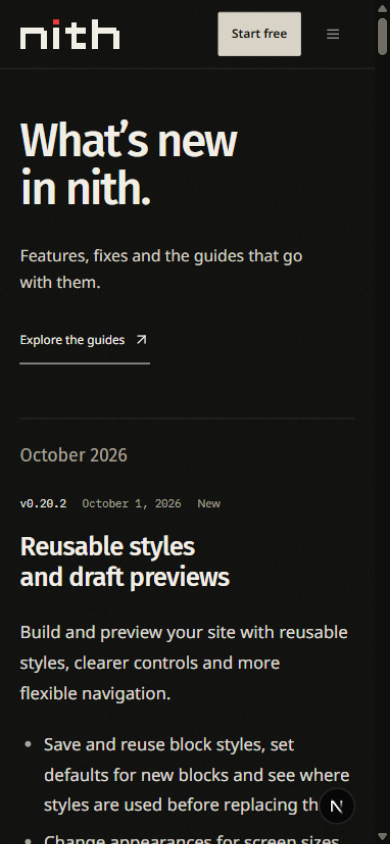
The public changelog explains published changes to nith. A release can include a version, public summary, screenshots and links to relevant guides. The release address remains stable so you can share the same entry with a teammate.
Open Resources → What changed to browse releases. Choose a release title or View this update to open its own page. Follow the related guide links for current instructions, and select a screenshot to view it at full size.
Follow a linked guide when you need the current steps for the feature. A release describes what changed at a particular time; the guide explains how to use the tool. Screenshots include capture context and can show an earlier interface state.
Check a reported difference
When a guide or release seems different from your dashboard, first confirm the selected site, plan and permissions. A feature marked beta or limited can have a narrower scope than a similarly named tool elsewhere.
Share the release or guide address and describe the specific behavior when reporting a mismatch. Avoid including credentials or private customer content in a public report.