Start with the task
These guides explain nith itself. Start with Getting started when you are creating a site, Studio basics when you are editing pages, or Agencies when you manage client work.
Open Resources → Documentation, then use the search to find a tool, task or phrase from the dashboard. Browse topics to find related work. Open Guides for everyone to filter for Free sites, Businesses or Agencies, then choose Apply filter. Guides without a specific audience remain available in each view.
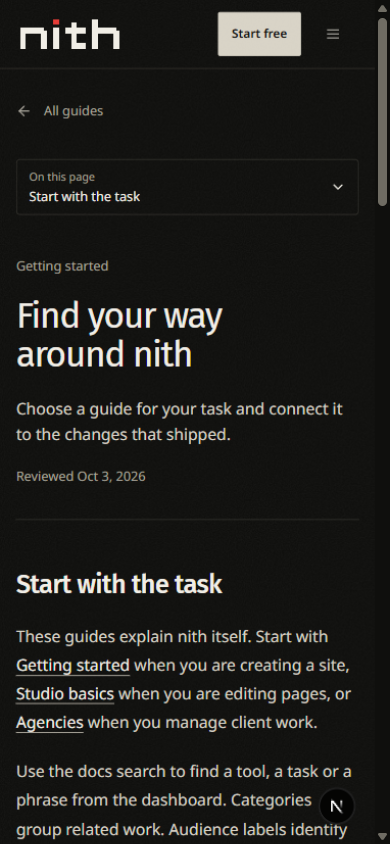
Use On this page to jump to a section. The contents list stays beside the guide on a wide screen and highlights the section you are reading. On smaller screens, open the compact contents control to choose a section.
Check what is available
The current plans and features distinguish available, beta, limited and planned capabilities. A guide describing a tool does not remove its permission, payment setup or usage requirements. Check the current plan information when choosing a subscription or purchasing an allowance.
Follow a change
The changelog describes published releases. A linked guide explains how to use the affected feature; a release describes what changed at that point in time. Screenshots show the viewport and capture date so you can recognize when a screen was recorded.
Published guides have been selected for readers. Documentation may lag behind a recent interface change. If the steps do not match your screen, check your selected site and access first, then use the platform's help or feedback entry with the guide address and the step that differs.