Connect a domain you own
Custom-domain connection is available for eligible paid sites. Select the correct site, open its domain controls and follow the DNS instructions shown for that domain. Make the requested changes with the provider that manages the domain's DNS.
Use the connection status shown in the dashboard to check progress. If verification has not completed, compare the DNS records with the requested values and check for conflicting entries. Domain registration is handled separately from connecting the address to nith.
Set meaningful metadata
Review the site's name, description, social image and the metadata for important pages or articles. A title should identify the page, and a description should summarize what a visitor will find. Use an image crop that remains understandable in a social preview.
The platform supports metadata and sitemap generation, but search rankings and page-speed scores depend on your content, assets and integrations. Publishing a page does not guarantee when a search engine will index it.
Check a public page
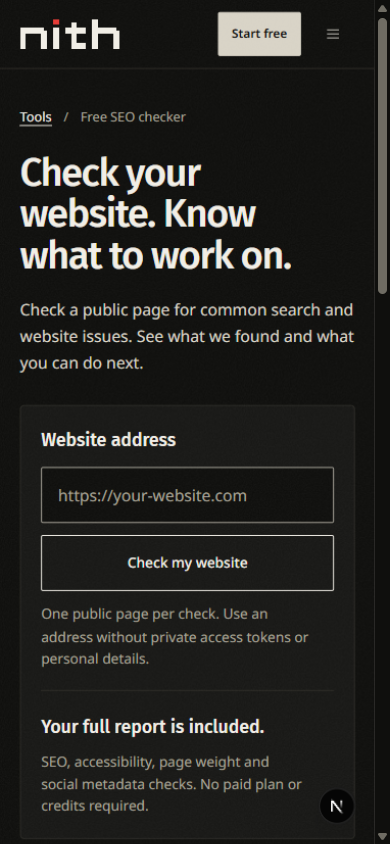
Open Resources → Free SEO checker, or visit the website checker. Enter the address of a public page and run the check. It works with websites on any platform; use a URL without private access tokens or personal details.
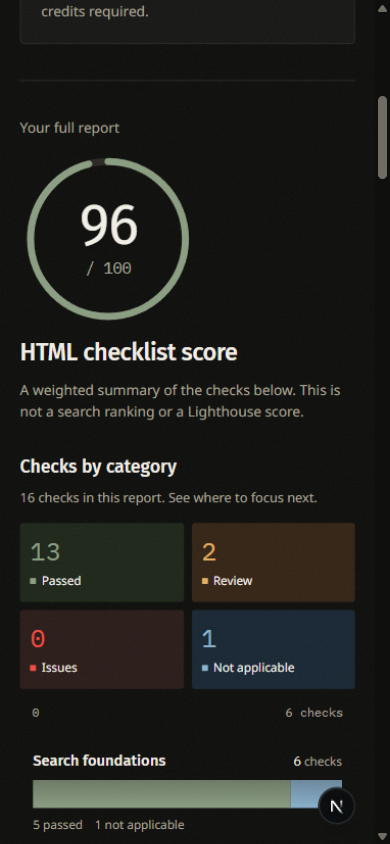
Without an account, the report checks the page title, description, indexing signals, mobile viewport and HTTPS. These five checks do not receive an overall score. Sign in with an active nith account and run the check again for all available checks, a weighted HTML checklist score, sharing previews and report downloads. No paid plan or AI credits are required. If account creation is closed, use the contact link to ask about access.
Start with Needs attention. Open a finding to read the evidence and the suggested next step. The member report can be filtered by category, printed or downloaded as JSON. Reports are not saved to your account; leaving or refreshing the page clears the result. The report is a guide to changes you can make, not an automatic repair of the website you entered.
The checker reads one HTML response. It does not run page scripts, crawl the entire website, measure Core Web Vitals or predict search rankings. Open How this checker works for the scope and check the on-page fair-use limits before running several reports.
Check the actual visitor result
Open the public address after configuration. Follow navigation links and confirm they stay on the intended site. Check contact and location details, especially where map or Places data is used. Use appropriately sized images and limit unnecessary third-party embeds to keep pages easier to load and use.