
Looks and brand kits
This release adds Looks, finished site designs you can preview and install as drafts, along with brand kits, tasks, notifications and a clearer view of your billing and usage.
Looks
- Browse finished site designs, called looks, each shown with its home page, colours, fonts and pages.
- Press Preview to click through a look as a real website with your own business name and details, on computer, tablet or phone sizes.
- Installing a look never changes your live site. Its pages, colours, header and footer arrive as drafts with a list of sample lines to replace, and nothing is public until you publish.
- A look's contact and quote forms become your own, and its footer shows your own business description.
Brand kits
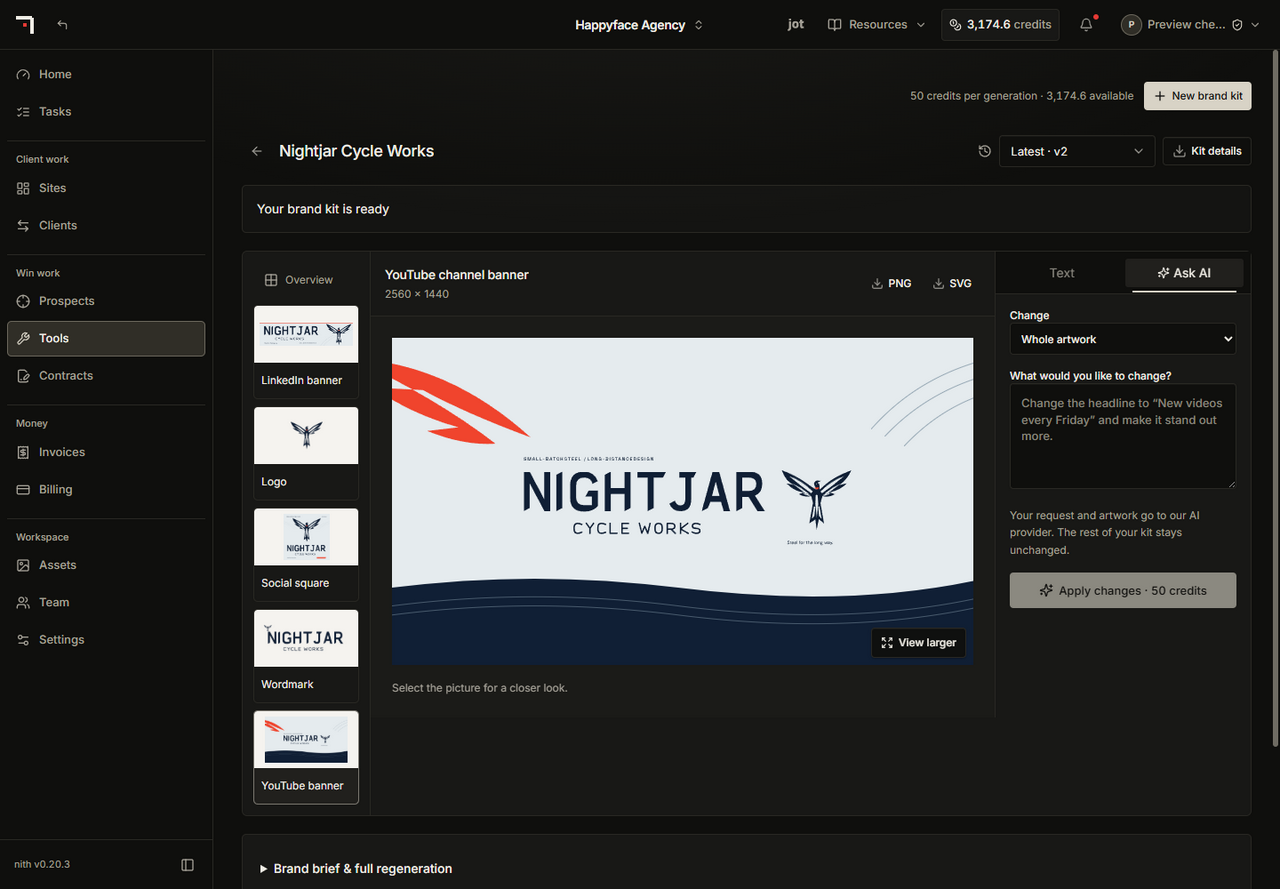
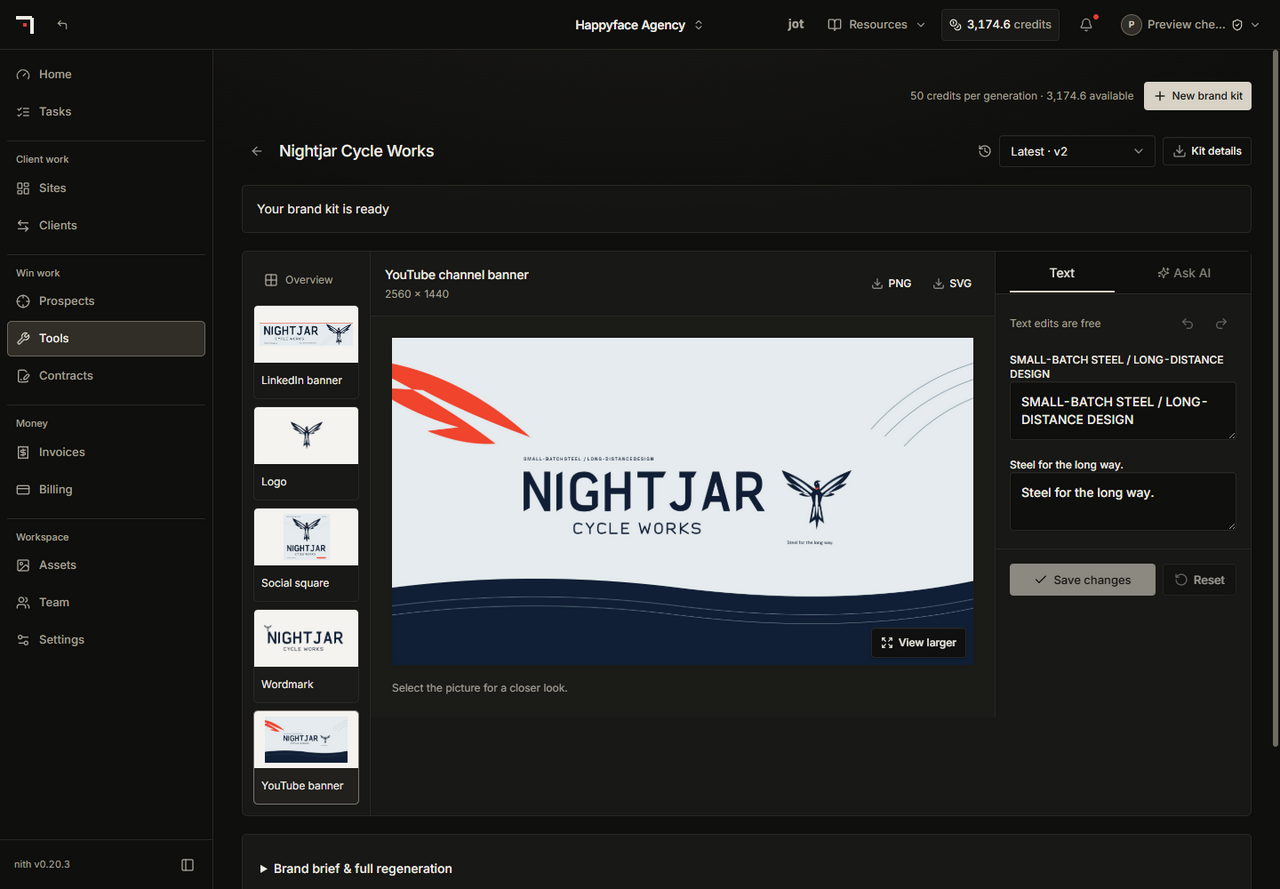
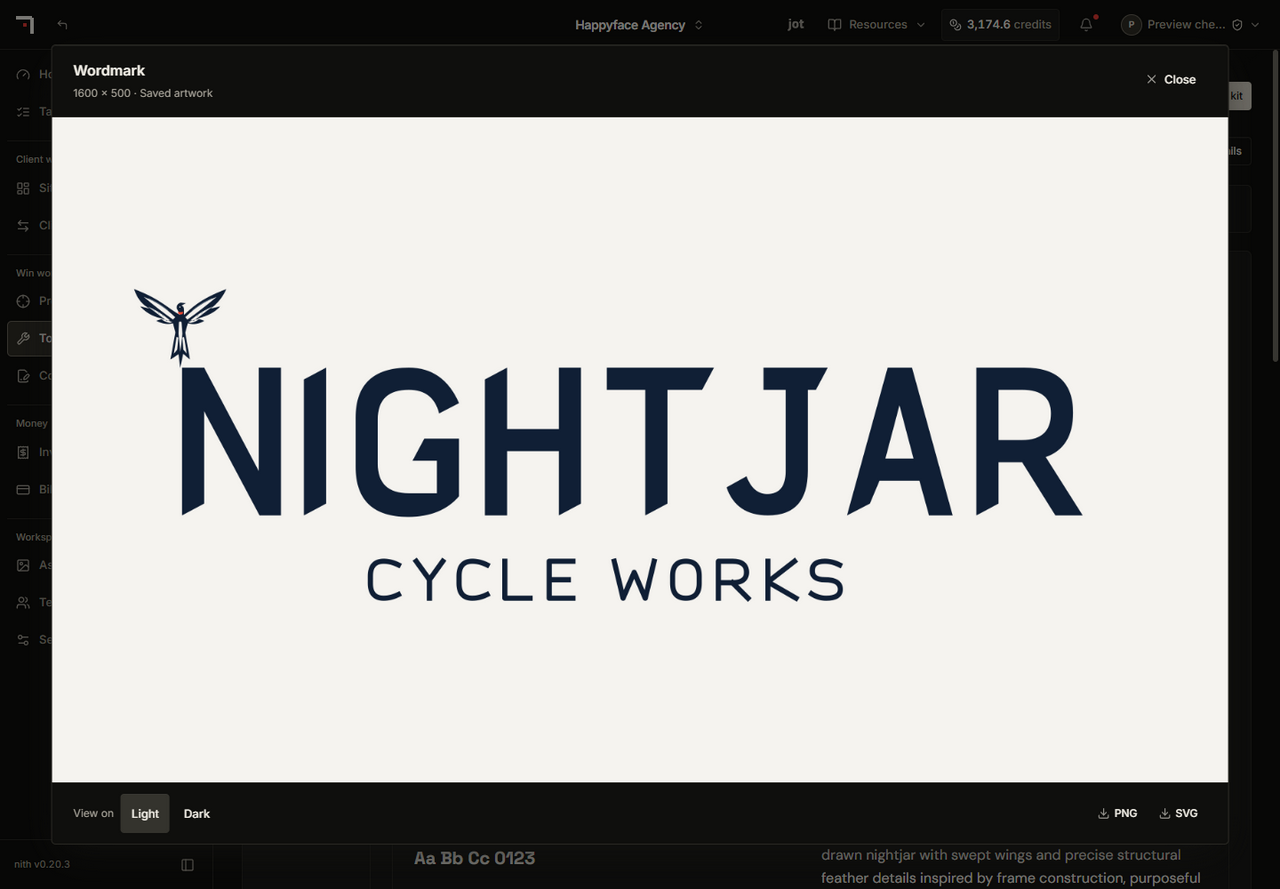
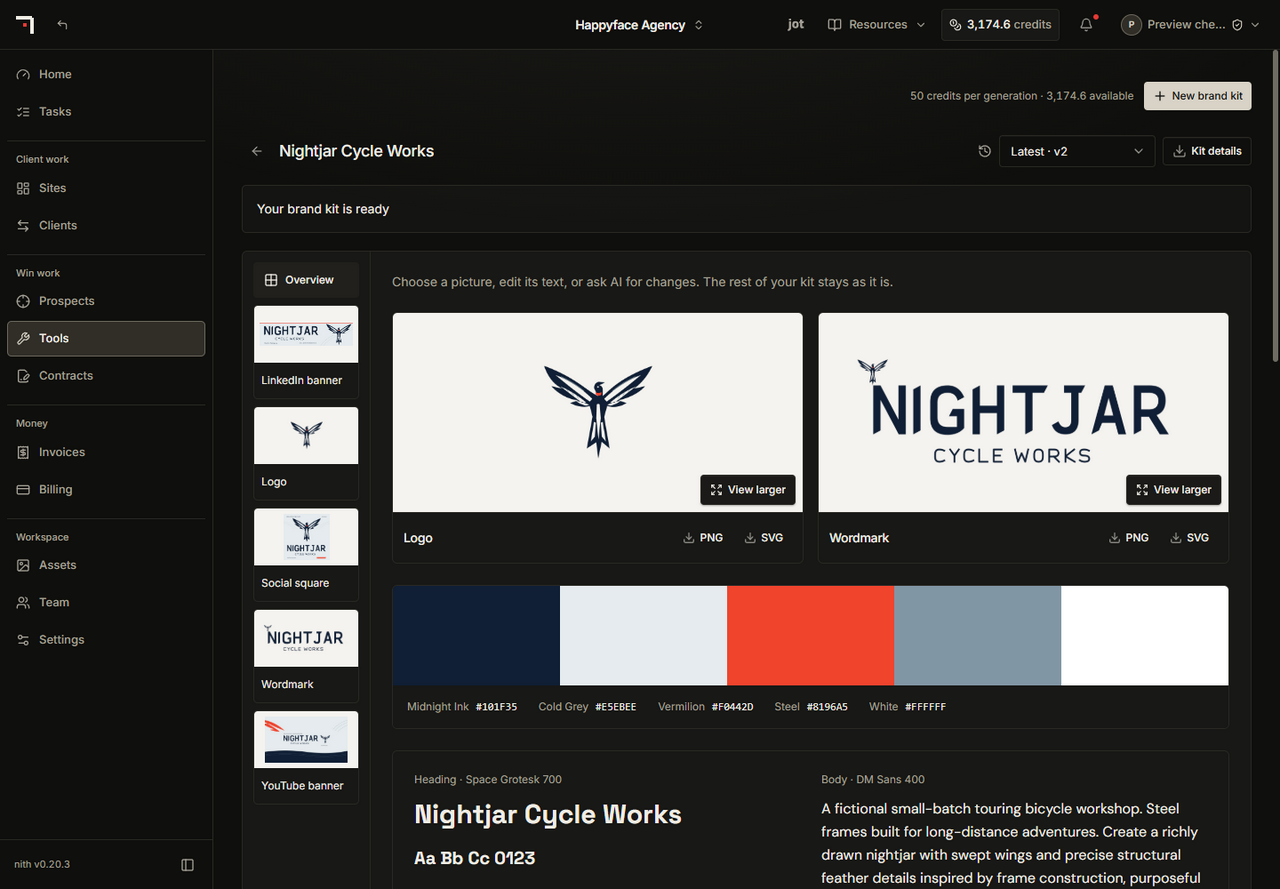
- Create a brand kit with logos, fonts, colours and social banners, then use the artwork and colours in Studio.
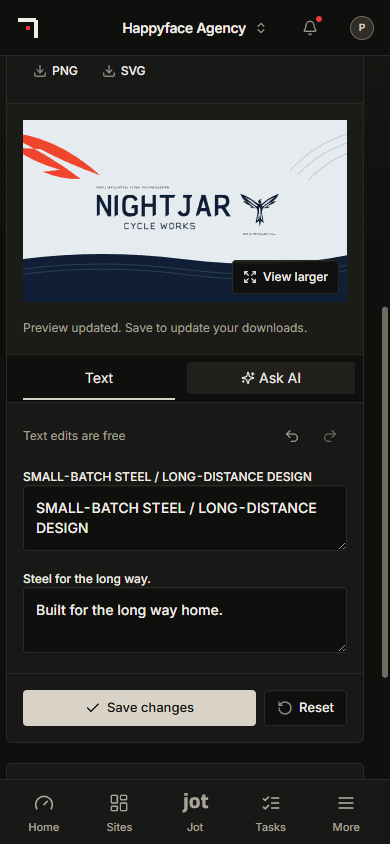
- Edit one banner, logo or wordmark without replacing the rest, download SVG and PNG files, and return to earlier versions.
- Manual editing is free. AI revisions show their credit price before you start.
Building your site
- One media block for pictures, video and animation, with shared frame styling, an optional soft glow around fitted images and videos, and smoother image galleries.
- More reusable sections, shop cards, animated sections, and new tab, carousel, divider and form styles.
- Your business name, phone number and email appear wherever a page uses them, including buttons and the header. If you have not added one yet, nothing is shown in its place.
- Parts of a page with nothing to show yet, such as a list with no services or a map without an address, stay hidden from visitors, and the editor tells you what to add.
- Maps load only when a visitor reaches them, so pages open faster.
- Agencies can offer their shared custom blocks to their clients' sites. A client adds one as its own copy and decides when to take later changes, and a handed-over site keeps those blocks.
Working with your team
- Tasks: track work with your team and clients, assign it to a person or group, and share a task with view or edit access.
- Notifications: task, lead, security, site and legal updates arrive in the dashboard bell, with email and browser alerts you can choose.
- Jot has a compact prompt bar, conversation history, and names pictures, videos and other blocks in plain words.
- On phones and tablets, your main dashboard pages and Jot are in the bottom bar.
Leads
- When a form's lead alerts go to an address outside your team, that address confirms it wants them first, and every alert has a link to stop them. Your leads are always saved in your dashboard.
Billing and usage
- A new Summary tab under Billing shows your plan, what is left of each allowance and when it starts again, and your storage and record room.
- Billing, Usage shows your website traffic and map views for the month. Visits from search engines and other bots are not counted.
- Daily credit claims have ended. Your existing credit balance and monthly plan allowance are unchanged, and credits you already had from signing up or your first site build stay usable.
- New AI credits start once you add a payment method and start the AI trial.
Privacy and safety
- Every font is served from nith's own servers, so your visitors' browsers never contact Google Fonts.
- A website that has been archived or does not exist no longer shows another business's information.
Related guides
- Read plans, usage and billing
- Ask Jot for a focused change
- Build and check page interactions
- Edit a page in Studio
- Generate and review a site draft
- Organize and use your media
- Create and use a brand kit
- Create and check your first site
- Set up a Business site
- Collect and follow up on enquiries
- Manage your notifications
- Agency playbook: find prospects and win client work
- Give your team the right access